shortcode
QR codes, explained

Make your QR code smaller and easier to scan

The amount of text inside a QR code decides how fine its pattern gets. Shorten the URL behind it and the same code becomes simpler, more robust, and scannable from farther away.

A dense QR code encoding a 137-character URL 49×49 modules
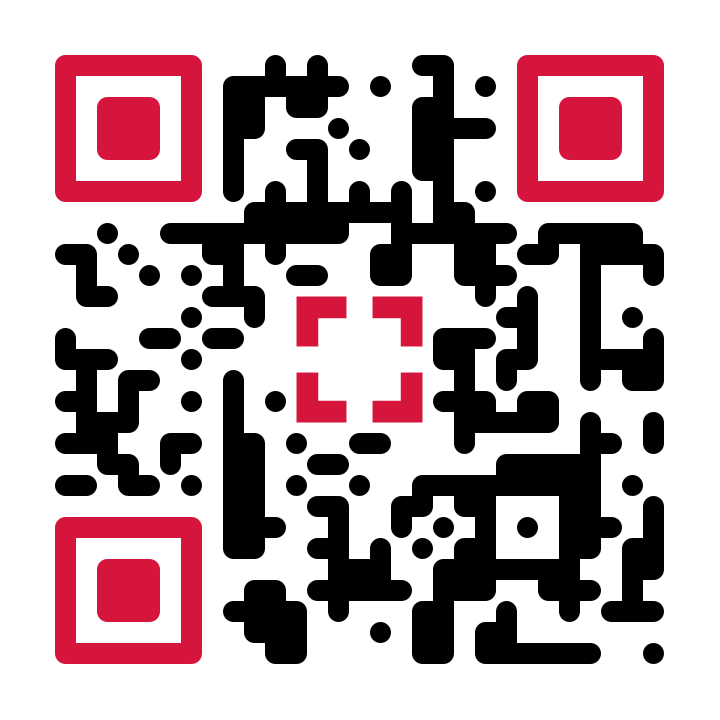
A much simpler QR code encoding a 23-character short link 25×25 modules
137 charactersthe full product URL
23 charactersthe same page behind a short link
How QR codes work

More text means more modules

A QR code stores its content in the grid of black and white squares called modules. The standard defines 40 sizes, from 21×21 up to 177×177 modules: the more characters you encode, the bigger the grid the code has to use.

The two codes above point to the same product page. The left one encodes the full 137-character URL, tracking parameters included, and needs a 49×49 grid. The right one encodes a 23-character short link and fits in 25×25: fewer than half the modules along each edge, and each module nearly twice as large at the same print size.

You cannot compress a URL inside the QR standard, but you can shorten what the code has to store: that is the whole trick, and it is what a URL shortener does.

In print

Bigger modules scan better

Scanners need each module to cover enough pixels in the camera image. A common rule of thumb: a QR code scans reliably from about ten times its own width, and each module should print at least 0.4mm wide. Both rules favor codes with fewer modules.

In practice that means a simpler code can print smaller on a business card, or scan from farther away on a poster, and it survives glossy paper, curved surfaces, and cheap printers with far more grace.

Error correction

Why headroom matters for logos

QR codes carry redundancy so they still scan when partly covered or damaged. A logo in the middle spends part of that budget, and a dense code has less to spare. A shorter URL keeps the grid coarse and the redundancy intact, which is exactly what you want before placing a logo on top.

a logo spends part of the error-correction budget
How to

How to shorten a QR code

1

Shorten the URL

Create a free short link for your destination with short-code.io. Long tracking parameters stay in the destination, not in the code.

2

Download the QR code

Every short link comes with a dynamic QR code: export it as a vector SVG for any print size, or as a 1024px PNG.

3

Print it, keep it editable

Because the code stores the short link, you can change the destination later without reprinting anything.

Start with a free short link

The Starter plan is free forever and includes dynamic QR codes for every link.

Sign up for free

Just need a quick static code? Use the free QR code generator.